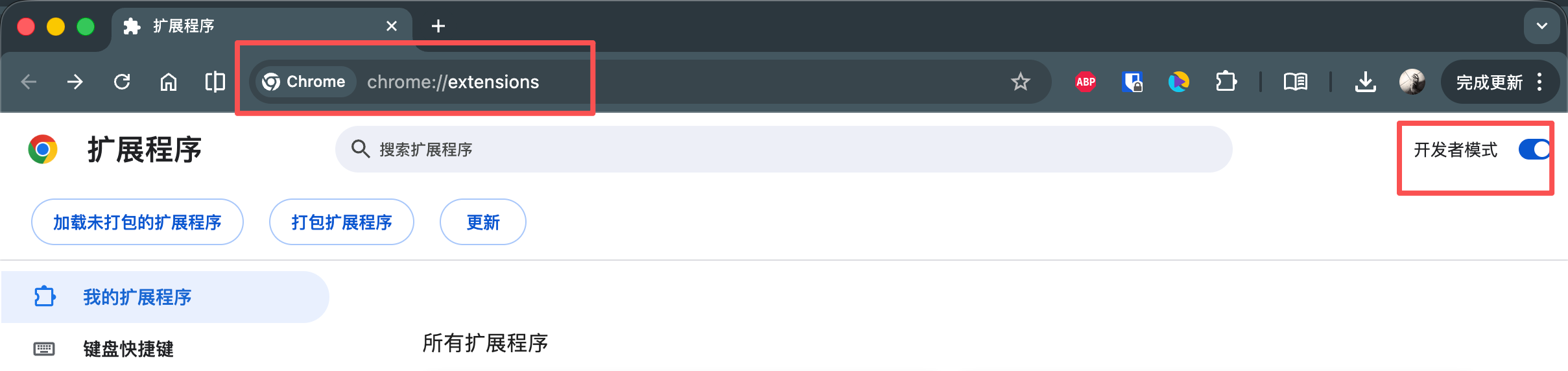


2. Enter Chrome, File menu, open "Extensions", and click "Open Developer mode“ in the upper right corner. chrome://extensions/
3. Click Load "Load the uncompressed program" and select the uncompressed directory in step 1.
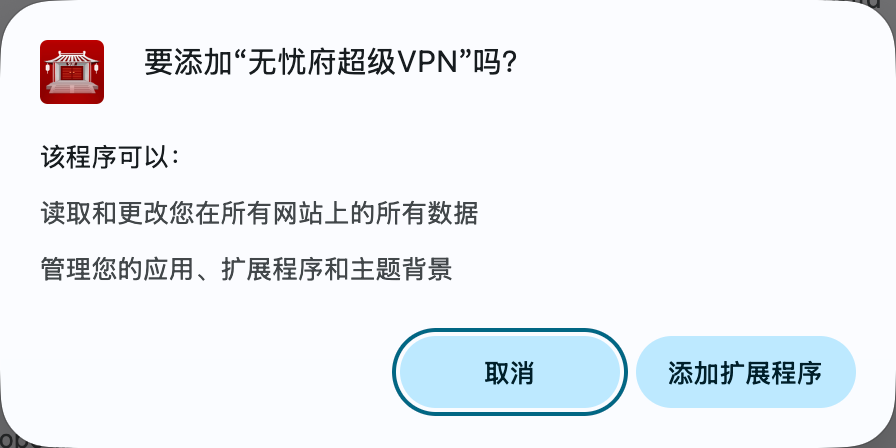
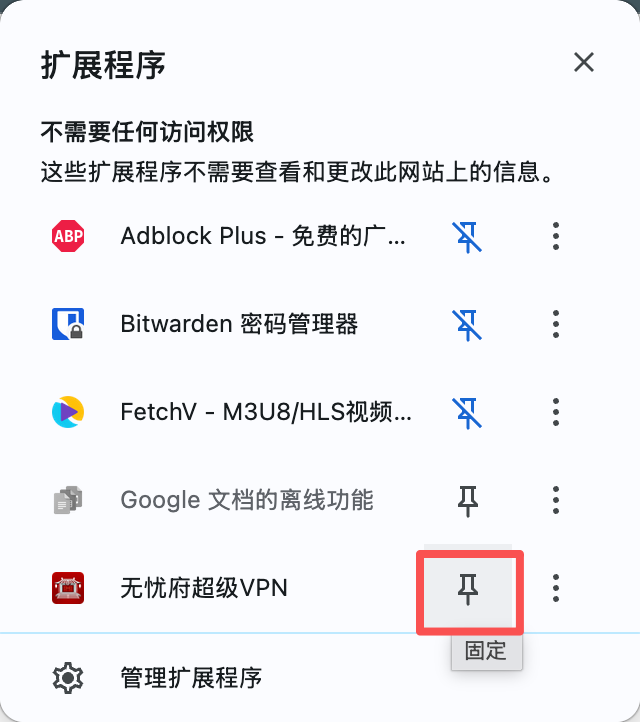
The installation is complete!